
Connect to MEXC Exchange
Follow the current official MEXC API instructions. Menu names, verification requirements, and regional availability may change.
Related reading:
- Bybot vs MEXC Trading Bots
- MEXC Built-in Bot vs API Bot
- MEXC API Trading Bot
- Does MEXC Have Trading Bots?
- MEXC Trading Bot Landing Page
1. Register on the MEXC exchange. Create an account
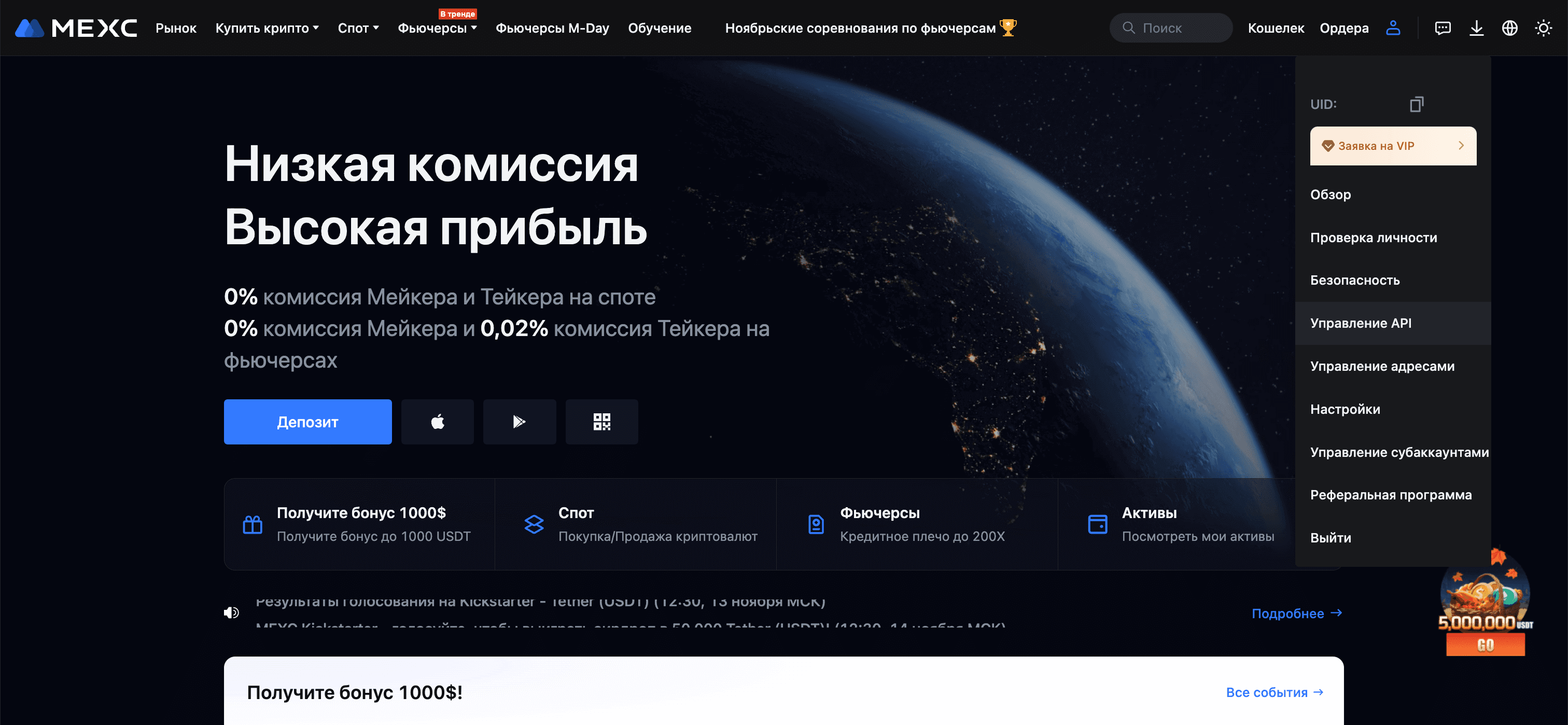
2. Click “Account” in the upper right corner of the screen and select “API Management” from the dropdown menu.
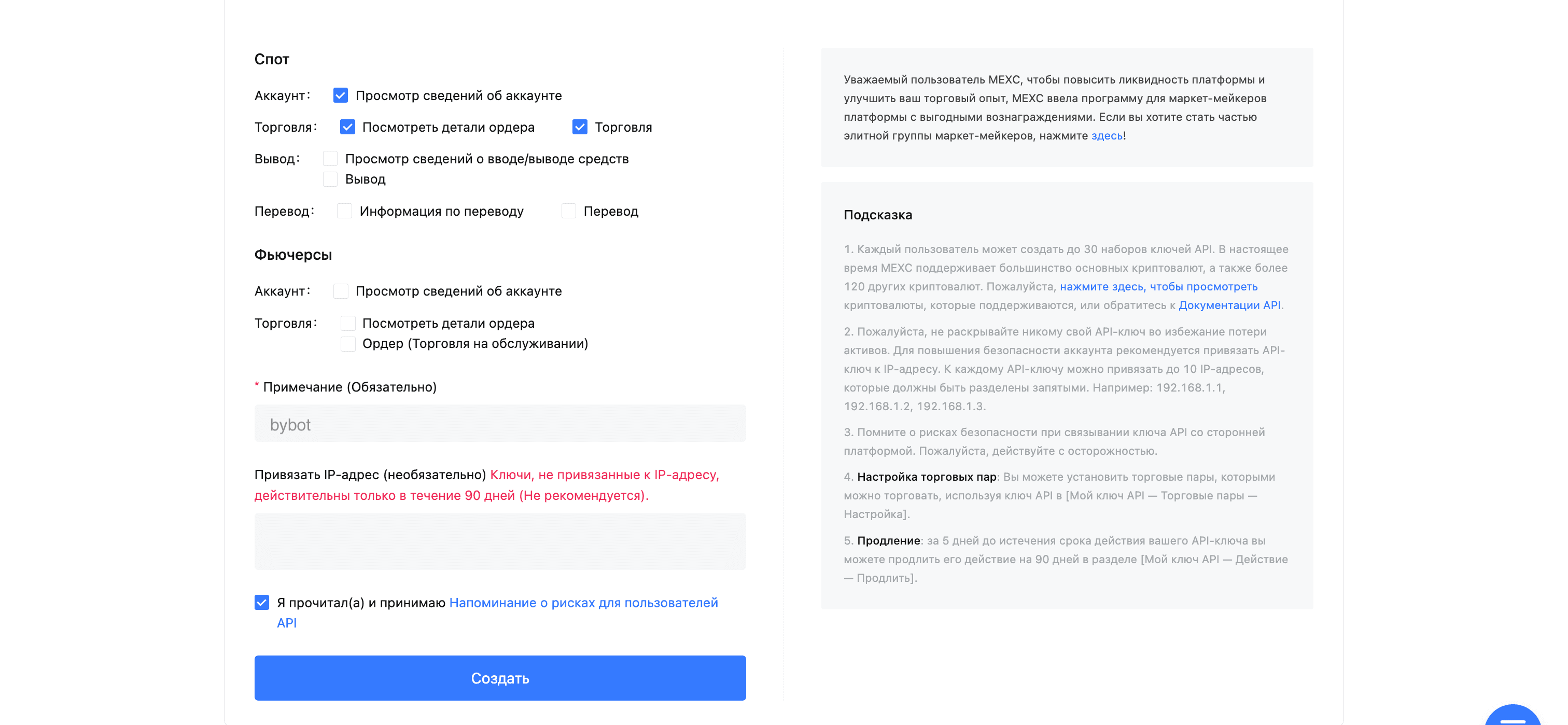
3. For trading, enable the following permissions:
- View account details
- View order details
- Trading
Do not enable withdrawal permission. Bybot only needs account, order, and spot-trading access.
4. Next:
- In the “Note” field, enter “bybot” or any other note — it doesn’t matter.
- Check the box “I have read and agree to the API user risk reminders.”
- Click the “Create” button to create a new set of API keys.
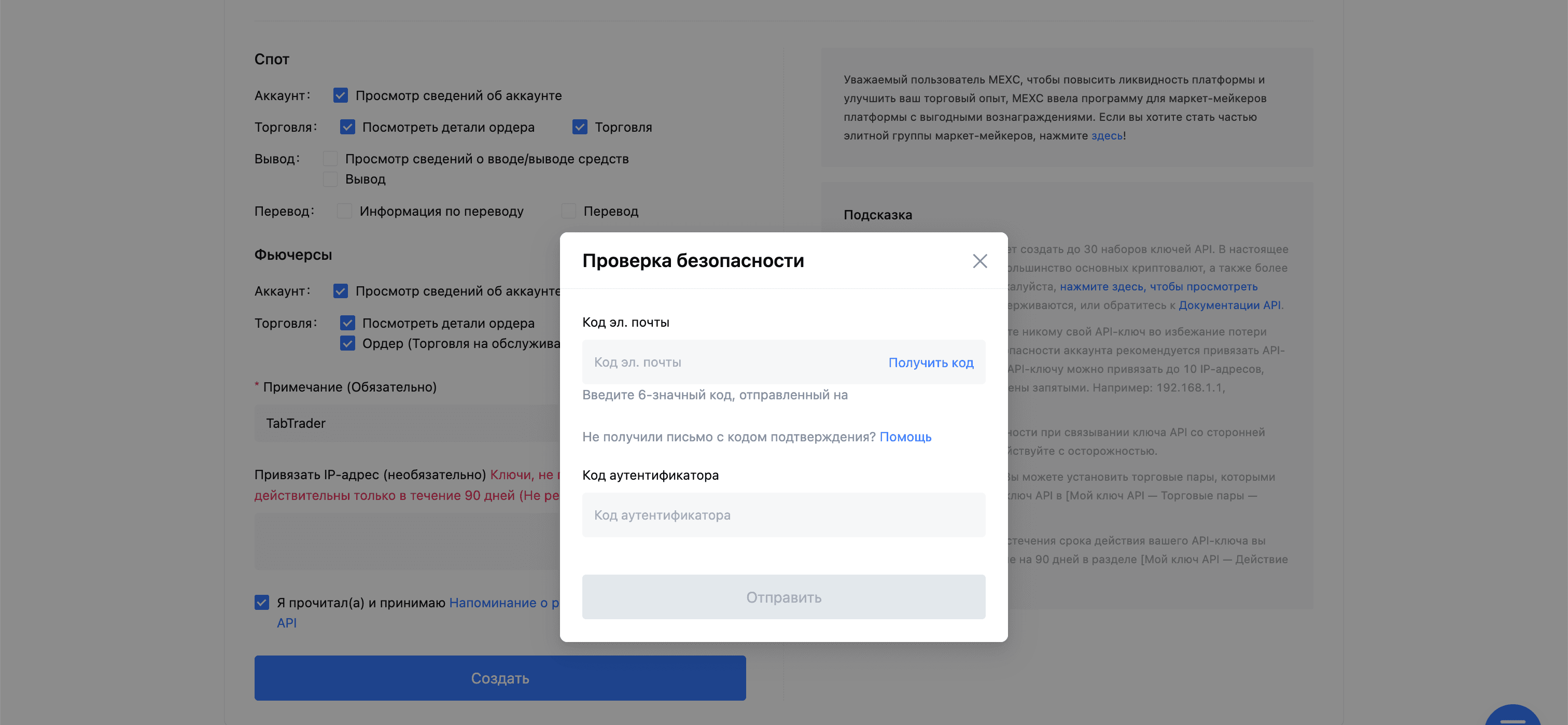
5. Confirm the creation of API keys with the code sent to your email and through 2FA.
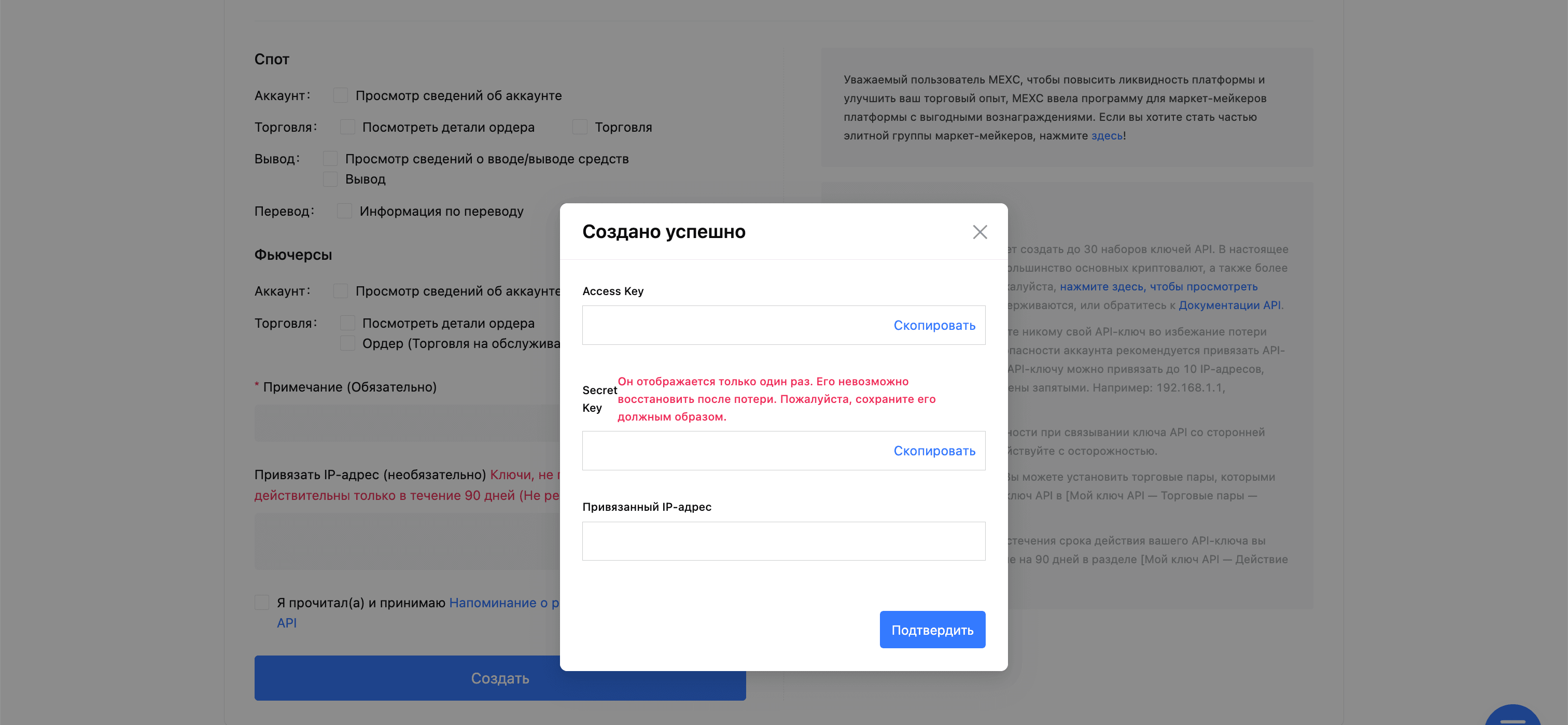
6. Copy and save your Access and Secret keys.
Do not close the window until you save the keys — the secret part is only shown once. Never send the Secret in chats, screenshots, tickets, or shared documents.
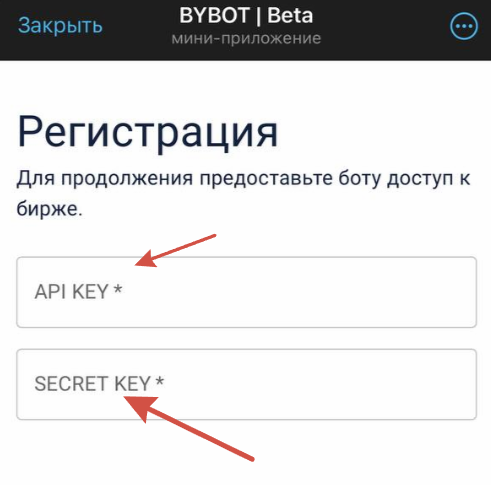
7. Paste the keys on the bot registration page and save them.
After saving, open the bot creation flow and verify that MEXC and the required spot pair are available. Then follow the Creating a Bot guide.